Dashboard & Monitoring
Geofencing
Set digital map boundaries and get alerted the moment they are crossed.
Geofencing turns any location on the map into an intelligent trigger — alerting you the moment a vehicle enters or leaves, logging every boundary interaction, and enforcing speed limits in high-risk zones. Argus Geofencing supports circular, polygon, and address-based boundaries with time-based scheduling, colour-coded grouping, and CSV bulk upload for large deployments. Whether you need to confirm site arrivals, enforce curfews, monitor fuel-card use, or flag vehicles leaving approved areas, geofencing delivers instant, automated visibility with no manual checking required.
Key capabilities
- Circular, polygon, and address-based boundary shapes
- Time-limited fences — active only during set hours
- 7 colour options for clear visual organisation
- Speed-limit configuration for hazard zones
- Grouping for suppliers, customers, and job sites
- CSV bulk upload for large-scale geofence creation
- Day and time scheduling per geofence
- Use cases: freight ferry embarkation, council mowing zones, fuel-station logging
The platform
Draw the zones that matter. Argus does the watching.
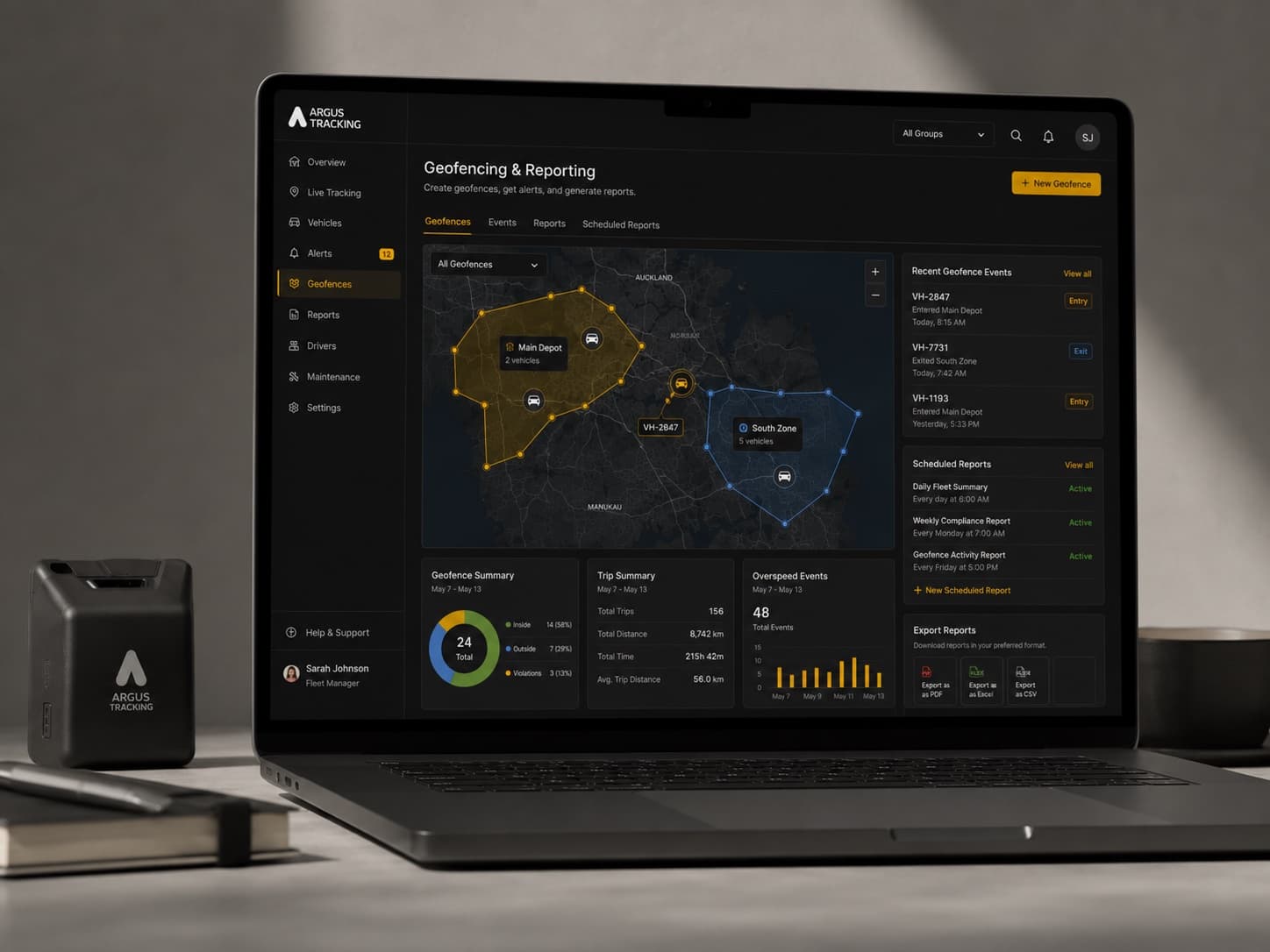
Map out depots, customer sites, restricted areas, or whole regions in a few clicks, then let Argus monitor every entry and exit around the clock. Each vehicle's tracker reports the moment it crosses a boundary — triggering instant alerts and feeding straight into the scheduled compliance and activity reports your team relies on.
How it works
See it in practice.
How Geofencing fits into your daily operations — step by step.
Draw your boundaries on the map
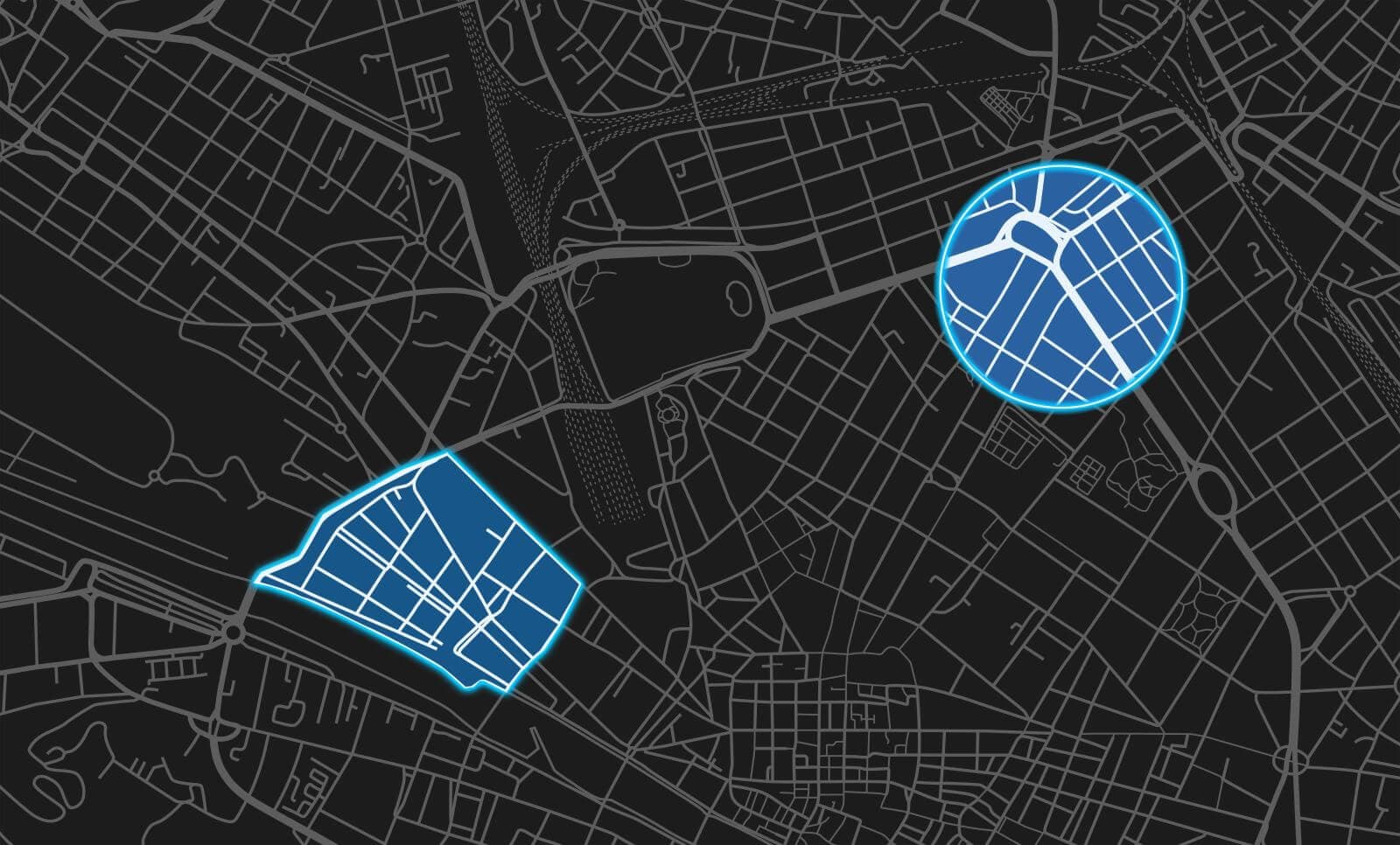
Create geofences directly on the Argus map console — draw circles, polygons, or enter an address. Assign a name, colour, and group (e.g. customers, job sites, depots), or bulk-upload boundaries via CSV.

Configure rules and schedules
Set each geofence to be active only during specified days and hours. Add a speed limit for hazard zones, and choose which vehicles or groups the fence applies to.

Receive instant alerts on entry or exit
The moment a vehicle crosses a boundary, Argus triggers an alert via the mobile app, email, or web console — with the vehicle name, location, and timestamp.

Report on every boundary interaction
Geofence Reporting automatically logs every entry and exit, time spent inside, and distance travelled within each boundary — available on demand or on a scheduled delivery.
Capabilities
What it does
A closer look at what's included — and the specific problems each capability solves.
Circular, polygon, and address-based shapes
Draw boundaries in the shape that fits your location — a simple circle for a depot, a detailed polygon for a construction site, or a quick address-based search for any NZ address.
Time-limited fences
Activate geofences only during specified hours and days — for example, a depot curfew fence active overnight only, or a customer site fence active during business hours.
Speed-limit configuration for hazard zones
Assign a speed limit to any geofence so Argus can alert you when drivers exceed safe speeds inside a specific area — ideal for quarries, school zones, or industrial sites.
7 colour options and grouping
Organise your geofences visually with 7 colour options and logical groups such as suppliers, customers, job sites, or depots — making large deployments easy to navigate.
CSV bulk upload
Import hundreds of geofences at once via CSV file — essential for operators with many customer sites, franchise locations, or large geographic coverage areas.
Day and time scheduling per geofence
Each geofence has its own independent schedule, enabling you to build complex, automated boundary rules across your entire fleet without manual intervention.
Business outcomes
The results that matter
Concrete business value your team experiences from day one.
- Confirm site and customer arrivals automatically — no check-in calls required
- Enforce curfews and authorised operating areas to prevent unauthorised use
- Improve safety in hazard zones with location-specific speed enforcement
- Automate billing by logging time spent at customer or job sites
- Support theft recovery by triggering alerts when vehicles leave approved areas
- Simplify large deployments with CSV bulk upload and group management
Explore further
Related features
These capabilities work best together — explore what pairs naturally with this feature.
In the platform
Draw a zone. Argus watches it 24/7.
Set up a geofence zone in seconds, then let Argus handle monitoring, alerts, and dwell tracking — around the clock.
FAQ
Frequently asked questions
What is geofencing and how does it work with Argus?
Can I set a geofence to only be active at certain times?
Does Argus geofencing let me set speed limits for hazard zones?
Can I upload lots of geofences at once in Argus?
Ready to put Geofencing to work?
Book a free demo with our NZ-based team and see exactly how Argus delivers results for your fleet.